Merge, split, compress, convert, edit, rotate, sign, watermark, protect, and unlock your PDF documents directly inside your browser. Fast, free, with zero file uploads and infinite peace of mind.
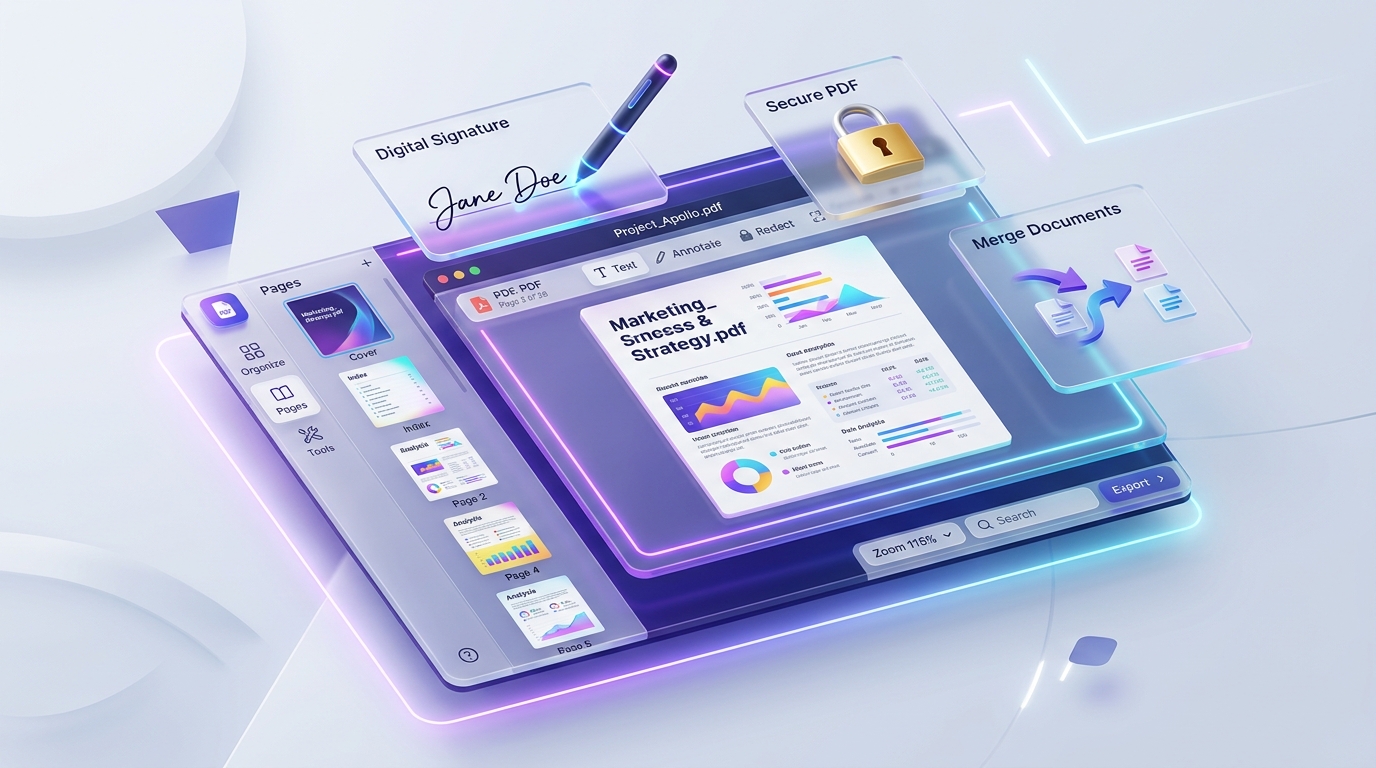
Everything you need to work with PDFs in one click. Completely free and instant.
Most online PDF converters upload your confidential bank statements, tax forms, and contracts to remote servers. PDFStrix is fundamentally different.
Every single PDF is processed entirely inside your local browser memory using modern WebAssembly and HTML5 Canvas. Your sensitive files never touch any third-party server or cloud.
Skip the waiting line! Because documents do not upload or download across the internet, file processing is virtually instant even for multi-megabyte files.
Maintain crisp typography, sharp text, and razor-sharp image quality up to 300 DPI. Documents look professional and print-ready every time.
Encrypt files with passwords to prevent unauthorized viewing, and safely remove password restrictions on files you have lawful access to.
No software installation, no sign-ups, and no credit cards needed.
Pick from 13+ tools including Merge, Split, Compress, Convert, Sign, Watermark, or Password Protect.
Drag and drop your PDF or image files right into the browser workspace and adjust your preferred settings.
Click process to generate and download your clean, watermark-free result file in seconds.
Absolutely not. All operations run 100% client-side in your web browser. Neither VA Developers nor any third party ever receives, stores, or inspects your files.
Yes! PDFStrix is completely free with no hidden paywalls, no limits on number of tasks, and no annoying watermarks stamped onto your output documents.
Yes. PDFStrix supports full bidirectional conversions between PDF and Microsoft Word (.docx) formats with font and paragraph layout reconstruction.
Password protection encrypts your document using standard cryptographic handlers so that viewers must enter your designated password to view it. Unlocking allows authorized document owners to remove password restrictions by confirming the existing password.