Compress, resize, convert, crop, remove backgrounds with AI, upscale photos up to 4x, create passport print sheets, format for social media, merge, watermark, and enhance photos directly in your web browser. 100% free with zero file uploads and infinite privacy.
Everything you need to work with images in one click. Completely free, private, and instantaneous.
Try searching for terms like "Compress", "AI", "Resize", "Passport", or "Watermark".
Cutting-edge ONNX WebAssembly vision models run straight on your hardware. No cloud queues, no credit cards, and no server leaks.
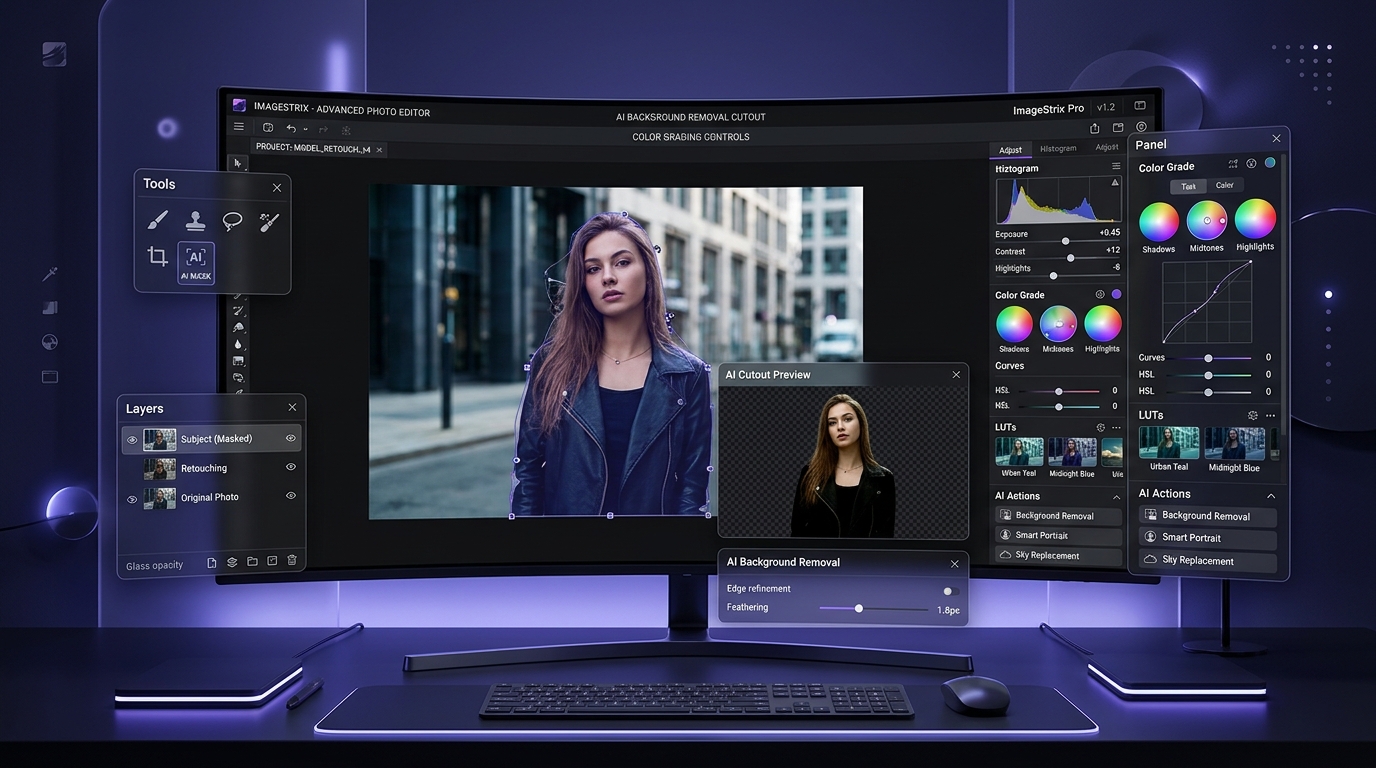
Automatic neural portrait & object segmentation. Extracts subjects cleanly with sub-pixel hair and edge precision, outputting transparent PNGs or custom solid/gradient replacements.
Enlarge photos 2x or 4x without pixelation. Our super-resolution pipeline synthesizes high-frequency details, removes artifacts, and sharpens micro-textures for print-grade clarity.
One-click intelligent tonal balancing. Recovers shadow clipping, stabilizes blown-out highlights, applies selective vibrance, and optimizes dynamic range with interactive Before/After comparison.
Unlike other image tools that send your personal photos to remote cloud servers, ImageStrix executes every line of code locally in your browser.
Your photos, passport pictures, and business documents are processed entirely inside browser memory using WebAssembly and HTML5 Canvas.
Every tool is genuinely free. We never stamp watermarks onto your finished images, restrict resolution, or demand paid subscriptions.
AI neural models are cached locally in your browser storage on first load, enabling offline execution whenever you edit images on the go.
No downloads, no installations, no sign-ups, and no waiting in server queues.
Pick from 15 power tools including AI Background Remover, Compressor, Upscaler, Passport Maker, or Converter.
Drag and drop your image directly into the workspace canvas and customize your desired quality or sizing settings.
Click process to render and instantly download your clean, pristine image file or complete ZIP archive in seconds.
Never. ImageStrix operates with 100% client-side privacy. The image processing algorithms and AI neural segmentation models run locally in your web browser using HTML5 Canvas, WebAssembly (WASM), and ONNX Runtime Web. Neither VA Developers nor any third party ever receives, stores, or views your photos.
Similar to open-source models like Removerized, our AI background removal leverages lightweight neural segmentation networks (such as RMBG / BiRefNet via ONNX Web). The model is executed locally on your device's CPU/GPU via WebAssembly, extracting the subject and generating a transparent PNG in seconds without needing a cloud backend.
The Passport Photo Maker automatically crops your portrait to exact international consular specifications (e.g., India 3.5x4.5 cm, US 2x2 inch, UK/EU 35x45 mm). It can format multiple copies onto standard 4x6" (10x15 cm) photo paper complete with cutting guides, ready for instant printing at any local lab or home photo printer.
Yes! ImageStrix includes bidirectional PDF tools: you can combine multiple photos into a multi-page PDF document with custom margins and orientations, or upload any PDF document to extract all its pages as high-resolution 300 DPI PNG/JPG images.
Yes! ImageStrix is completely free to use with no hidden paywalls, no daily limits on tasks, and no watermarks added to your output images.